 SiPhotoEditor
What is an AI yearbook photo?
An AI yearbook photo is a regular selfie restyled as a school portrait from another era. The idea took off in autumn 2023, when a 1990s yearbook filter in the EPIK photo app went viral on TikTok and Instagram and everyone posted grids of their retro selves. It keeps coming back at reunion season, Throwback Thursday and every time a new decade becomes fashionable again.
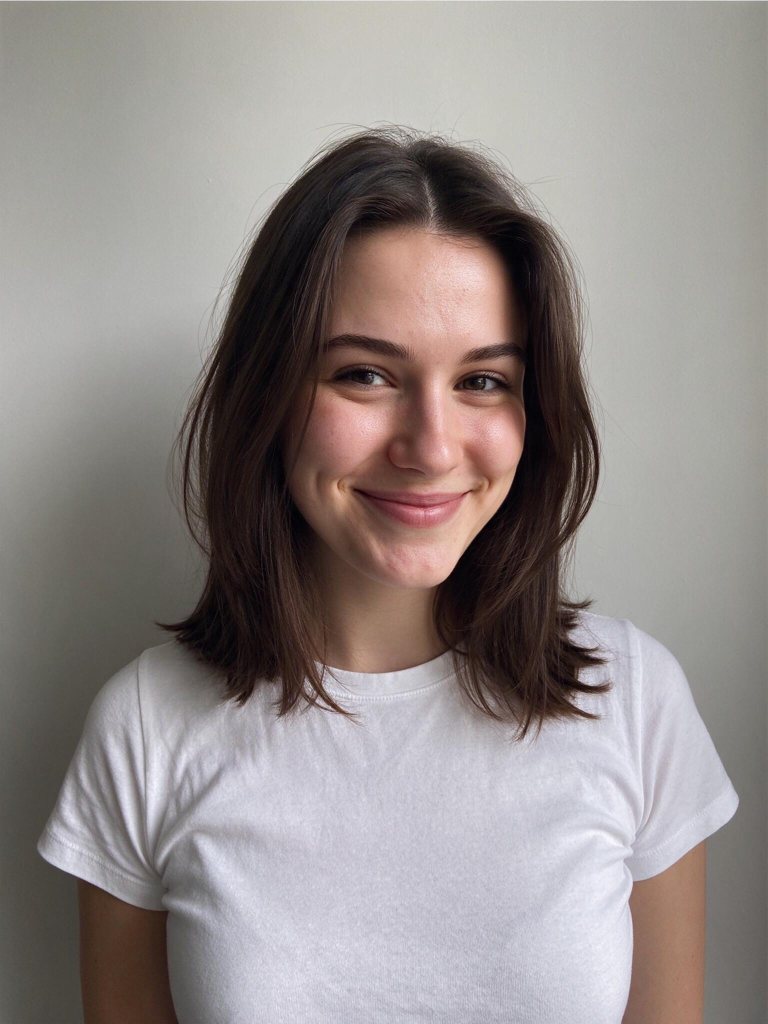
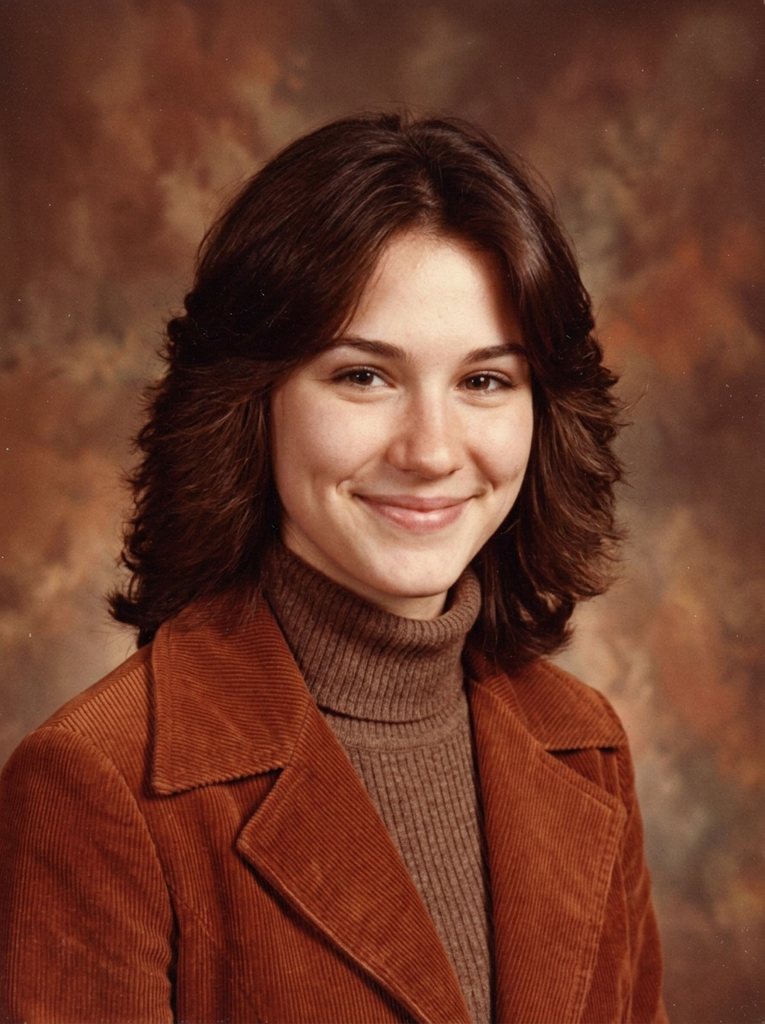
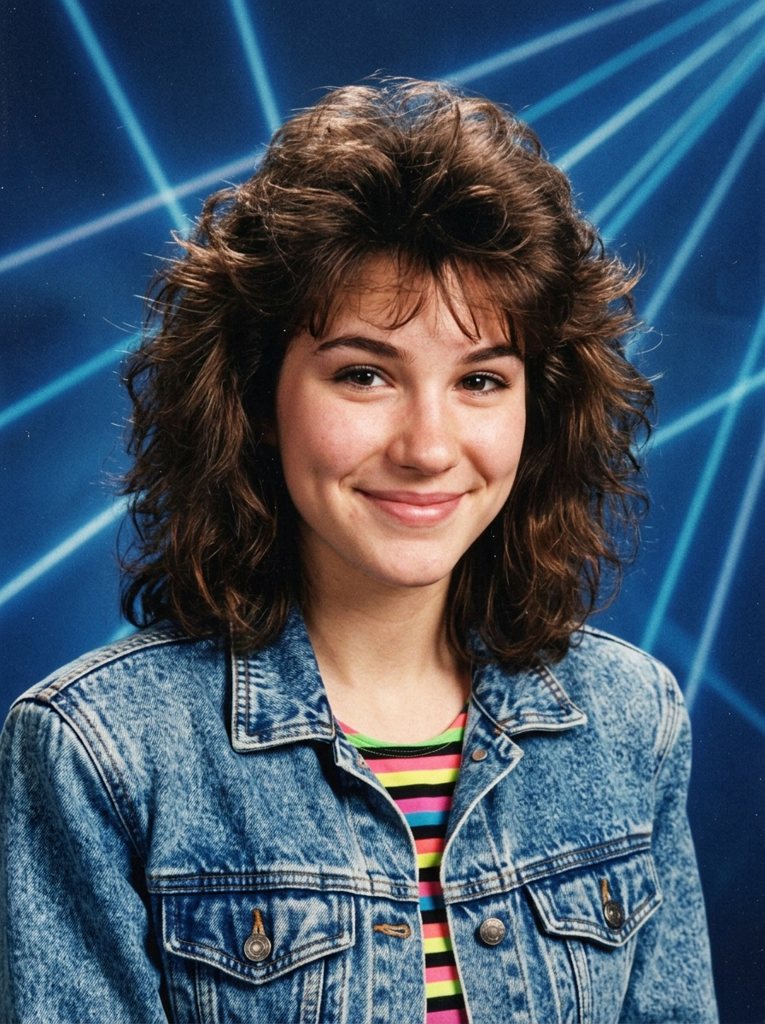
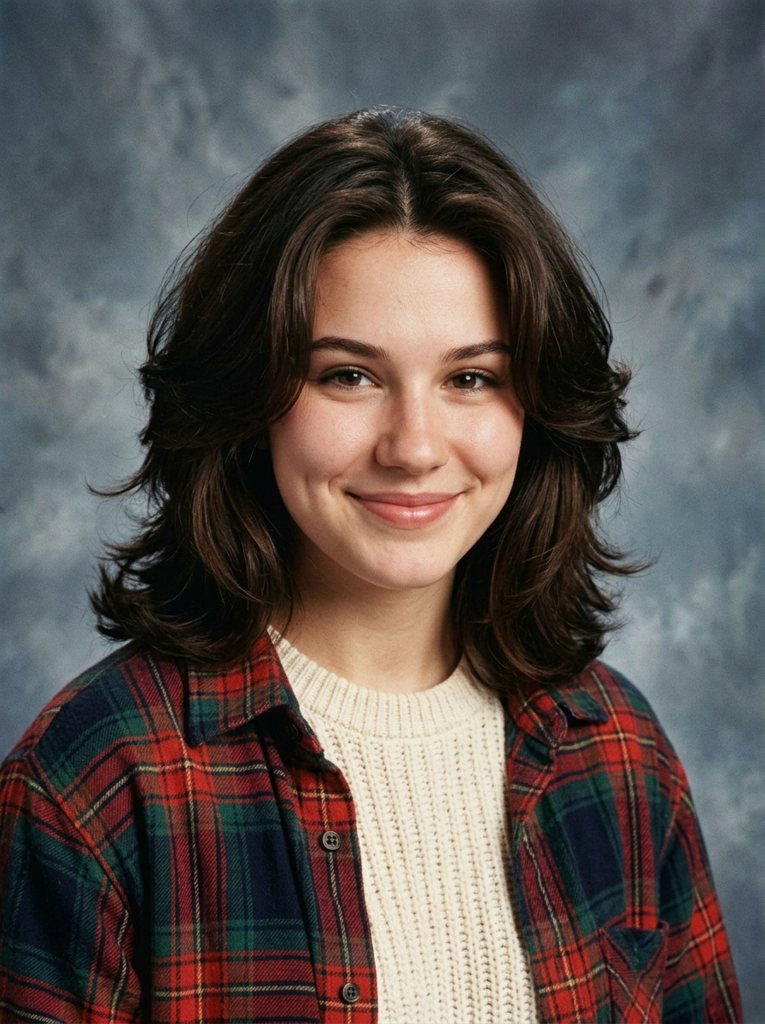
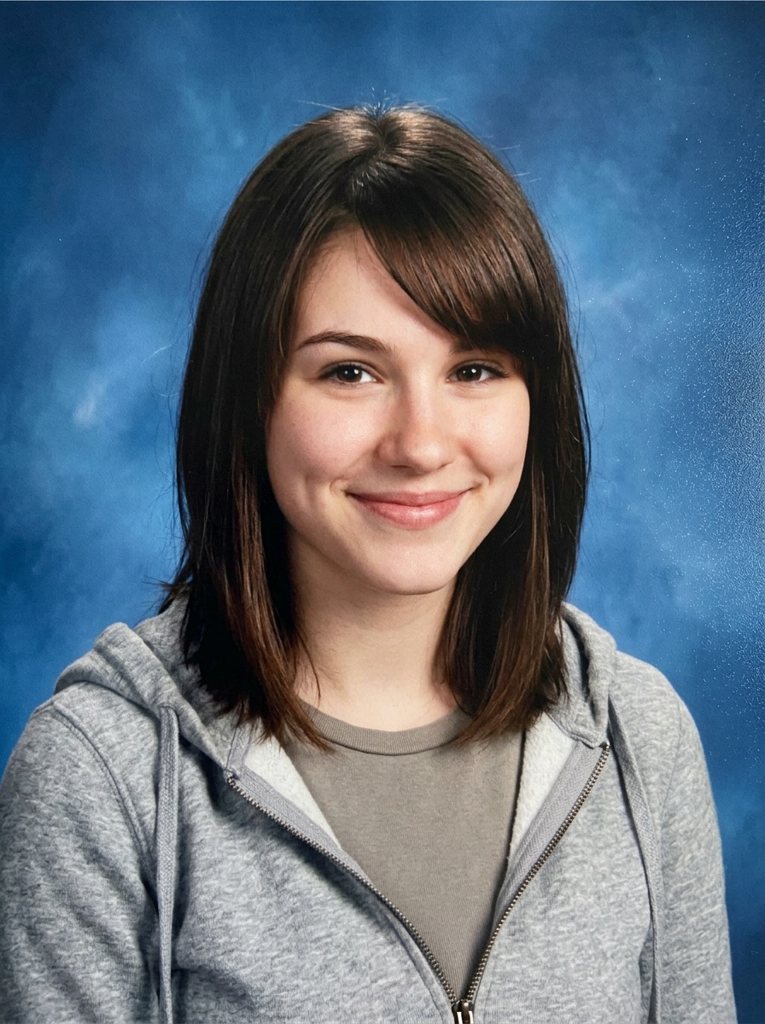
This version goes beyond one filter. Each decade has its own instruction for hair, wardrobe, backdrop, lighting and film stock, so the four results look like four different photo days rather than one picture with a color tint. Below is a real set made from the example photo in the tool.
How to make your AI yearbook photos
- Upload a selfie. One face, looking at the camera, in good light. A phone photo is fine.
- Choose decades. The 1980s is selected for you; tap the others to add them. Each one costs 48 credits.
- Generate. Every decade renders as its own portrait in about 20 seconds.
- Save and share. Download each picture, or post them as a carousel from oldest to newest.
The four yearbook looks
1970s
Warm, slightly faded color film with soft focus, the classic mottled brown backdrop, feathered hair and wide collars or a turtleneck under a corduroy jacket. It reads as a parent’s or grandparent’s school photo.
1980s
The one everybody wants: the blue laser-beam backdrop, bright flash, big voluminous hair and bold color — denim jackets, stripes and shoulder pads. It is the most dramatic change and the best opener for a post.
1990s
Grey-blue cloudy backdrop, softer studio flash and matte film colors, with flannel shirts, turtlenecks and chunky knits. This was the decade behind the original viral filter, and it flatters almost everyone.
2000s
Early digital camera look: plain blue backdrop, slightly overexposed flash, side-swept bangs or spiky gel, polo shirts and zip hoodies. Subtle, funny and very recognizable to anyone who graduated around 2005.
Tips for the best likeness
- Face the camera. Head-and-shoulders, looking straight ahead, eyes open, no sunglasses.
- Even light. Daylight from a window beats overhead lamps; avoid strong shadows across the face.
- One person only. Crop group photos first, otherwise the model has to guess who the portrait is of.
- Plain beats busy. A simple background lets the model swap it cleanly for the studio backdrop.
- Keep the original. If a result drifts, run that decade again from your photo rather than editing the edit.
Which decade suits you?
There is no wrong answer, but some looks flatter some faces more. Short or curly hair tends to shine in the 1980s, when volume was the goal. Long, straight hair settles naturally into the 1970s and 2000s. Glasses wearers often get the most authentic result in the 1990s, when big frames were everywhere. If you cannot decide, run all four: comparing them side by side is half the fun, and it is the set people share most.
Sharing your AI yearbook photos
- Order matters. Post the decades oldest to newest, or put the most surprising one first to stop the scroll.
- Add the year. A caption like “Class of ’86” sells the joke better than any filter name.
- Keep the original in the set. The before photo makes every AI yearbook photo after it land harder.
- Label it as AI. Most apps now ask for it, and it keeps the comments about the photos rather than about whether they are real.
Price of an AI yearbook set
Each decade is 48 credits ($0.43 at the Starter pack rate). A full set of four is 192 credits, about $1.73, and failed images refund automatically. Credit packs never expire, larger ones include bonus credits, and the same credits work for every other edit in thephoto editor.
Ideas for your yearbook photos
- Throwback carousel: post all four decades in order and ask friends to guess the year.
- Reunion invitations: put the old-school portrait on the card or the group chat banner.
- Couples and best friends: make matching sets and place them side by side like a yearbook page.
- Birthday surprises: a 1970s portrait of a parent, made with their permission, gets a laugh every time.
Want only the 1980s, but more of it? The 1980s AI photo generator on our sister site turns a photo into glamour portraits, Polaroids, arcade snapshots and synthwave posters.
Rules and privacy
Upload only photos of yourself or of people who agreed. Do not use the generator to mock, sexualize or impersonate anyone, and label AI-made images when you post them. Your photos stay in your private account, are not used to train models, and can be deleted whenever you like.
AI yearbook photo FAQ
Is the AI yearbook photo generator free?
Your first one is. New accounts that sign in with Google get 80 credits and one decade costs 48, so one yearbook portrait is free. All four decades cost 192 credits, about $1.73 on the Starter pack, with no subscription.
Will it still look like me?
That is the point of the model we use, Nano Banana 2, which is good at keeping a face the same while changing hair, clothes and lighting. A sharp, front-facing photo with even light gives the closest likeness.
Can I make a yearbook photo of my friends, partner or kids?
Yes, with their permission, one person per photo. For children, a parent or guardian should be the one uploading. We do not allow edits meant to embarrass or impersonate someone.
Can I pick a decade other than these four?
The four presets cover the looks people ask for most. For anything else, such as a 1960s black-and-white portrait or a prom photo, open the photo editor and describe the look you want in your own words.
What size are the pictures?
Each portrait comes back as a 3:4 image about 1,000 pixels wide, which is plenty for Instagram, TikTok, a profile picture or a printed 4×6 card. Download them with the Save link under each result.
Do you keep my photos?
Your upload and results are stored in your private account so you can download them again, and you can delete them at any time. They are not used to train models and never appear in public galleries.
How long does it take?
About 20 seconds for each decade, and the decades render in parallel, so a full set of four is usually ready in under a minute. You can keep the page open or come back; the results stay in this tab.